Keep the useful parts available.
Navigation, communication, photos, payments, and family logistics often need to stay close at hand.
Personal Apple device setup from Phillip Ridlen for individuals and families who want fewer distractions, steadier digital habits, and a phone that better fits real life.
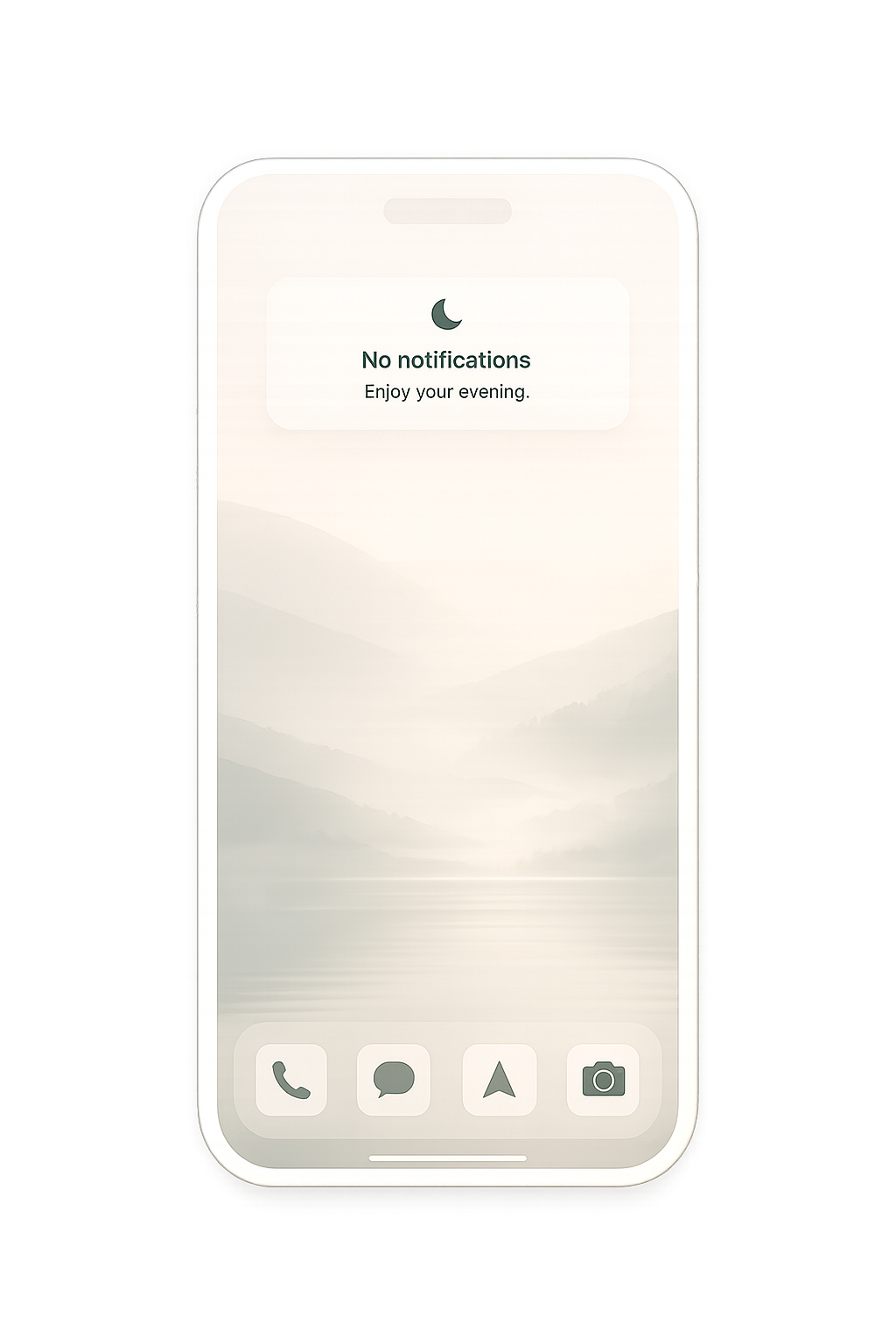
iPhones and iPads are powerful, useful tools. They also make it easy to drift into social apps, browsers, notifications, app stores, games, feeds, and entertainment.
Apple gives you a lot of ways to manage this across Screen Time, Focus Modes, configuration profiles, supervision, and device management settings. Sorting through the options, exceptions, and tradeoffs can be difficult, even if you are comfortable with technology.
I help you navigate those choices and simplify the process. I take time to understand what you are trying to change, narrow the practical options, explain the tradeoffs, and help you choose a setup that fits your life.
For a setup to be effective and useful, it has to fit the person, household, and devices involved. I’ll listen first, simplify the options in front of you, and walk with you through the choices so the device stays useful while distracting defaults become less convenient.
These services are for people who want practical friction while keeping technology useful.
Adults who want a less distracting phone
People who have tried Screen Time and found it too easy to bypass
Parents setting up children’s iPhones or iPads
Families building healthier technology rhythms
Professionals who want stronger attention boundaries
People who want their devices to support real daily habits
A simpler phone can be useful for some people, especially as a temporary reset. For many adults and families, the challenge is more specific: carrying a capable device without keeping the most distracting parts of the internet within easy reach all day.
Modern life often assumes access to a smartphone. Maps, calendars, banking, messages, school apps, work tools, travel, photos, emergency access, and family coordination can all depend on the phone already in your pocket. Moving away from that can introduce stress, workarounds, or dependence on another device.
With Offramp, I help you shape the iPhone around the tools you actually need. Together, we’ll remove as much friction as possible from the things you rely on, add strong barriers around the most distracting paths, and create just enough friction for occasional-use tools that can easily pull you off course.
Navigation, communication, photos, payments, and family logistics often need to stay close at hand.
Some activities are easier to handle when they require a laptop, shared computer, or more intentional browsing session.
A setup tends to hold up better when it accounts for work, family, travel, emergencies, and the apps people genuinely rely on.
A clear, personal setup process removes the guesswork and keeps the work grounded in real life.
We talk through your goals, pain points, devices, family context, and the kinds of boundaries that would actually help.
I narrow the practical options, explain the tradeoffs, and recommend a mix of profiles, restrictions, Screen Time, Focus Modes, and recovery paths.
We configure the device together step by step, keeping the setup clear, practical, and aligned with your goals.
After real-world use, refine anything that is too loose, too strict, or impractical.
Simple starting points for a hands-on consulting session, adjusted to the person or household. Launch pricing is available while Offramp prepares for full client intake.
For adults who want a calmer, less distracting iPhone.
Includes one adult, one primary iPhone or iPad, intake, setup plan, guided configuration, recovery planning, one full follow-up session, and two 30-minute Zoom check-ins.
For parents who want help configuring their children’s devices.
Includes parent consultation, up to 6 family devices, app and web restrictions, age-appropriate boundaries, clear override planning, one full follow-up session, and two 30-minute Zoom check-ins.
A shorter session to adjust settings after a few weeks of real use.
Useful for prior clients who want a 60-minute review beyond the support already included with a core package.
Core packages include one full follow-up session and two 30-minute Zoom check-ins. In-person visits within 30 miles of Burleson, Texas are included in package pricing.

I’m Phillip Ridlen. I have over 15 years of experience in the software tech industry, and I provide personal Apple device setup services for people who want their iPhones and iPads to be less distracting and more aligned with real daily life.
I started paying closer attention to this when I wanted to reduce distractions for myself and put better guardrails on my children’s devices. Even as a technologist, I found the options overwhelming, clunky, and easier to bypass than I expected.
I'm here to help you sort through those options, make sense of the tradeoffs, and configure your devices with clear boundaries that still leave room for the technology you use every day.
Share what you are hoping to change and which devices are involved. I’ll read it carefully and follow up with thoughtful next steps.